
10 Best PandaDoc Alternatives to Try in 2026


Looking for the best PandaDoc alternative? Falkon Sign, DocuSign, Dropbox Sign, SignNow, Adobe Acrobat Sign, Zoho Sign, BoldSign, Proposify, Qwilr, and GetAccept are the strongest options in 2026. The right pick depends on whether you need simple, unlimited eSignatures at a flat price, deep CRM integrations, or a proposal builder for sales teams.
PandaDoc built a name for itself by combining document creation, eSignatures, and proposal tools into one platform. It is a solid product for many teams. But it is not the only option, and for a growing number of businesses, it is not the right fit either. Per-seat pricing, feature gating, and a learning curve that outpaces what many teams actually need have sent buyers searching for something simpler, cheaper, or more specialized.
This guide breaks down the ten PandaDoc alternatives worth evaluating in 2026, explains exactly why each one might serve your business better than PandaDoc, and shows how we selected the list in the first place. Whether you just need to get documents signed without paying for features you will never use, or you need a proposal tool built for a sales team, you will find a clear next step below.
Why Do Businesses Look for a PandaDoc Alternative
The short answer is cost, complexity, and fit. PandaDoc's per-user pricing climbs quickly as teams grow, several useful features are locked behind its higher tiers, and its all-in-one design (document builder, eSignature, CPQ, and workflow automation in a single tool) can be more than a lot of businesses need. Teams that only need reliable signing often end up paying for a proposal platform they barely touch.
The global market for electronic signature and digital signature tools is expanding fast, valued at roughly $9.4 billion in 2026 and projected to grow at a compound annual rate near 43.9% through 2033, according to Grand View Research. As more vendors enter the space, businesses have more room to choose a tool that matches their actual workflow instead of settling for a one-size-fits-all platform. Here is what typically pushes buyers to start comparing options.
Per-Seat Pricing That Scales Unpredictably
PandaDoc charges per user, and the jump between tiers is steep. According to a PandaDoc pricing breakdown by Proposify, its Starter plan runs around $19 per user per month, while the Business plan, which unlocks CRM integrations and approval workflows, runs closer to $49 per user per month when billed annually. A team of ten on the Business plan can be looking at nearly $6,000 a year for functionality that other vendors bundle at a flat rate.
Features Locked Behind Higher Tiers
CRM integrations, custom branding, content libraries, and conditional approval workflows are not available on PandaDoc's entry-level plans. Businesses frequently discover mid-contract that the feature they assumed was standard actually requires an upgrade, which makes budgeting difficult and total cost of ownership hard to predict.
More Complexity Than Most Teams Need
PandaDoc was built for sales teams that need document generation, CPQ, and proposal analytics in one place. If your business just needs contracts, offer letters, or NDAs signed quickly, that scope adds setup time and a learning curve without adding value. Several review sites note that PandaDoc takes longer to configure because of its templates, content libraries, and integration setup.
A Free Plan With Real Limits
PandaDoc's free tier caps usage at around 60 documents per year and excludes template access and third-party integrations entirely. For a business that sends contracts weekly, that ceiling is reached fast, forcing an upgrade decision earlier than expected.
Customer Support and Reliability Concerns
Review platforms have flagged inconsistent response times and formatting issues that surface after templates are built out, particularly as document complexity increases. For businesses where a signed contract is time-sensitive, that unpredictability carries real risk.
None of this makes PandaDoc a bad product. It simply means the platform is optimized for a specific kind of team, and if that is not your team, an alternative built around your priorities (price, simplicity, integrations, or proposal design) is worth a look.
How We Selected These PandaDoc Alternatives
We evaluated each alternative against the same six criteria to keep the comparison fair and grounded in what actually matters when switching eSignature or document platforms.
Pricing transparency: We looked at published pricing pages, not just marketing claims, and noted where costs are flat, per-seat, or gated behind custom quotes.
Core feature parity: Every tool on this list needed to match or exceed PandaDoc's core capability set in at least one area, whether that is signing, document creation, proposal design, or workflow automation.
Ease of use and setup time: We factored in how quickly a new user can send their first document, based on product documentation, demo walkthroughs, and user reports.
Integration depth: We checked which tools connect natively to CRMs, storage platforms, and payment processors, and which require middleware or higher-tier plans to unlock those connections.
Security and compliance standards: We prioritized alternatives that meet or exceed ESIGN Act and UETA requirements in the United States, since legal enforceability is non-negotiable for contracts. You can read the official ESIGN Act text on GovInfo for the underlying legal framework.
Verified user feedback: We cross-referenced claims against independent review platforms and public product comparisons rather than relying solely on vendor-published pages.
If you want a deeper walkthrough of how to weigh these factors for your own team, Falkon Sign has a guide on choosing the right eSignature tool for your business that covers the same evaluation framework in more detail.
Top PandaDoc Alternatives 2026 at a Glance
Tool | Best For | Starting Price | Free Plan | Standout Feature |
Falkon Sign | Simple, unlimited eSigning at a flat rate | $10/user/month, unlimited signatures | 7-day free trial | No per-envelope fees, 10-year document storage, $199 One-time fee limited time deal available |
DocuSign | Enterprise-grade compliance and integrations | Around $10 to $25/user/month | Free trial only | 900+ native integrations |
Dropbox Sign | Teams already using Dropbox or Google Workspace | Around $15/month | Limited free plan | Fast, minimal-friction setup |
SignNow | Budget-conscious small businesses | Around $8/user/month | Free trial only | Low entry price with workflow add-ons |
Adobe Acrobat Sign | Heavy PDF editing before signing | Around $13 to $15/user/month | Free trial only | Deep Adobe Document Cloud integration |
Zoho Sign | Businesses on the Zoho ecosystem | Around $10/user/month | Free tier for individuals | Native integration across Zoho apps |
BoldSign | Developers needing embeddable eSignature APIs | Free plan, then around $5/user/month | Yes | White-label, API-first architecture |
Proposify | Sales teams building proposals | Around $19 to $65/user/month | No | Proposal engagement analytics |
Qwilr | Agencies creating interactive proposals | Around $35/user/month | No | Web-page style proposals with embedded pricing |
GetAccept | Revenue teams wanting deal rooms and video | Custom pricing | No | Sales enablement plus eSignature in one tool |
The Best PandaDoc Alternatives in 2026
1. Falkon Sign
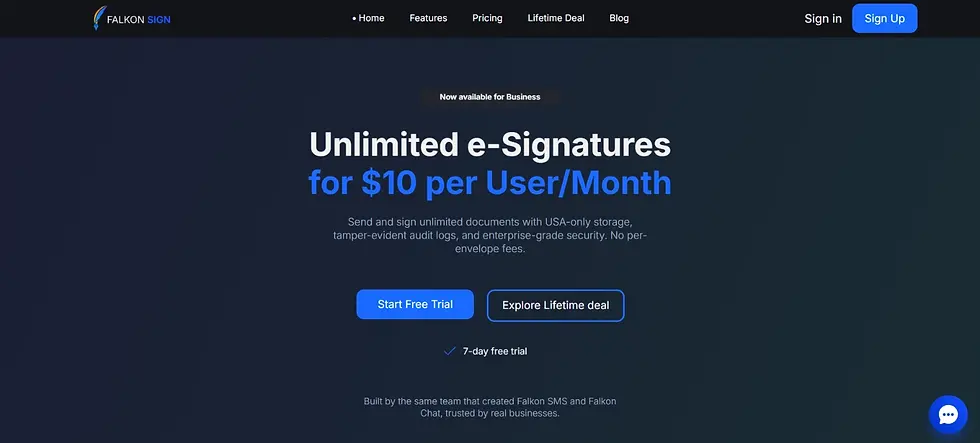
Falkon Sign is best for businesses that want unlimited, reliable eSigning without paying for proposal-building or CPQ features they will not use.
Where PandaDoc prices by seat and layers its most useful features into higher tiers, Falkon Sign takes a flatter approach. Its Unlimited plan is $10 per user per month and includes unlimited documents, unlimited signatures, and unlimited recipients, with no per-envelope fees and no surprise add-on costs. That matters most for businesses whose document volume fluctuates month to month, since usage spikes will not trigger a bigger invoice the way they can with envelope-based pricing.
On the security side, Falkon Sign includes email OTP verification, tamper-evident audit logs built on a blockchain-style trail, and cryptographic document integrity backed by SHA-256 hashing, along with a 10-year document storage guarantee so signed contracts and audit trails remain accessible long after signing. It also supports 256-bit AES encryption, TLS 1.3, and compliance with the ESIGN Act and UETA.
The tradeoff is scope. Falkon Sign focuses on signing and document security rather than the proposal design, CPQ, and CRM depth that PandaDoc offers on its Business and Enterprise plans. For a business whose primary need is getting contracts, offer letters, and NDAs signed quickly and affordably, that focus is the point, not a limitation.
You can see the full breakdown in this Falkon Sign versus PandaDoc comparison, or check current plans on the Falkon Sign pricing page.
2. DocuSign

DocuSign is best for larger organizations that need broad third-party integrations and globally recognized compliance credentials.
DocuSign remains one of the most widely integrated eSignature platforms on the market, with connections into Salesforce, Microsoft 365, Google Workspace, and hundreds of other business tools. That integration depth is its main advantage over PandaDoc for companies running complex tech stacks, since fewer manual handoffs mean fewer points of failure in a signing workflow.
Pricing starts in a similar range to PandaDoc's lower tiers, but DocuSign's core signing experience is generally considered faster to set up for teams that do not need heavy document design capability. The tradeoff is that DocuSign's more advanced contract lifecycle features, similar to PandaDoc's, are reserved for higher-priced plans.
Businesses evaluating both should read this Falkon Sign versus DocuSign comparison to see how a flatter-priced option stacks up against both platforms.
3. Dropbox Sign
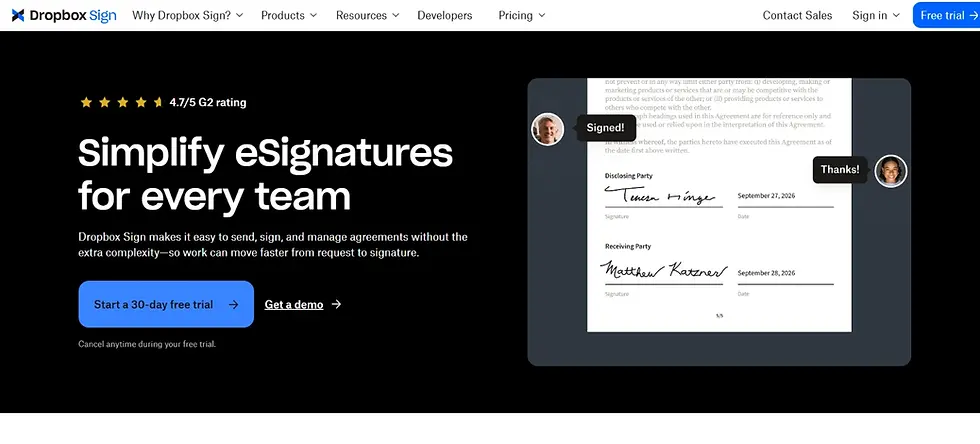
Dropbox Sign is best for small businesses and freelancers already working inside Dropbox or Google Workspace.
Its biggest advantage over PandaDoc is simplicity. Dropbox Sign strips the experience down to uploading a document, placing signature fields, and sending, with a shorter learning curve than PandaDoc's template-and-workflow-heavy interface. That makes it a strong fit for solo operators and small teams who do not need proposal generation or CPQ tools baked into their signing platform.
The tradeoff is that Dropbox Sign's advanced workflow automation and API capabilities lag behind PandaDoc's Business and Enterprise tiers, so companies planning to scale document volume and complexity may outgrow it faster.
See how it compares directly in this Falkon Sign versus Dropbox Sign breakdown.
4. SignNow

SignNow is best for budget-conscious small businesses that still want workflow automation options.
At roughly $8 per user per month, SignNow (part of the airSlate product family) undercuts PandaDoc's entry-level pricing while still offering multi-step signing workflows and reusable templates. Its airSlate integration also gives it access to a broader business process automation suite if a team's needs grow beyond basic signing.
Where it falls short of PandaDoc is document design. SignNow is built primarily as a signing tool, not a proposal or content-building platform, so businesses that rely on PandaDoc's document editor for rich proposal layouts will find SignNow more limited in that specific area.
Compare the two directly in this Falkon Sign versus SignNow comparison.
5. Adobe Acrobat Sign
Adobe Acrobat Sign is best for organizations already standardized on Adobe Document Cloud or Creative Cloud.
Its core advantage over PandaDoc is native PDF handling. Since it is built directly into Adobe's document ecosystem, teams that regularly edit, annotate, or convert PDFs before sending them for signature can do all of it without leaving Adobe's tools. That tight integration reduces the file-conversion friction that can show up when moving documents in and out of PandaDoc.
The tradeoff is price and focus. Adobe Acrobat Sign runs close to $13 to $15 per user per month at entry level, and its proposal and CPQ capabilities are not as developed as PandaDoc's, since Adobe's priority is document fidelity rather than sales workflow automation.
Read the detailed Falkon Sign versus Adobe Sign comparison for a closer look.
6. Zoho Sign
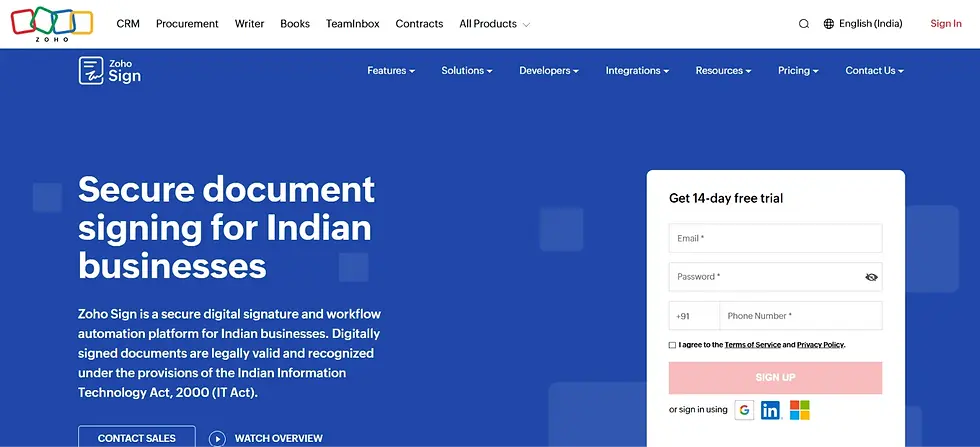
Zoho Sign is best for businesses already running on Zoho CRM, Zoho One, or other apps in the Zoho suite.
The main reason teams choose Zoho Sign over PandaDoc is integration cost.
PandaDoc gates CRM integrations behind its Business plan, while Zoho Sign connects natively to Zoho's own CRM and productivity apps at a lower price point, which removes an entire category of the feature-gating complaint that shows up in PandaDoc reviews. For a business already invested in the Zoho ecosystem, that native fit can eliminate the need for a separate CRM integration fee altogether.
Businesses outside the Zoho ecosystem will not see the same benefit, and Zoho Sign's proposal design tools are noticeably lighter than PandaDoc's.
See the full picture in this Falkon Sign versus Zoho Sign comparison.
7. BoldSign
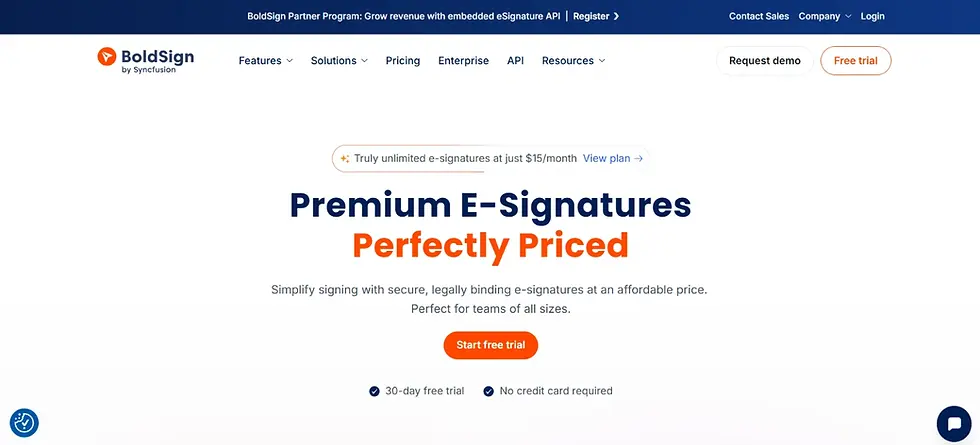
BoldSign is best for developers and SaaS companies that want to embed eSignature functionality directly into their own product.
Its API-first architecture and white-label options make it a strong fit for businesses that need signing built into a customer-facing application rather than used as a standalone tool, which is not a strength PandaDoc markets heavily. BoldSign also offers a genuinely usable free plan, with paid tiers starting around $5 per user per month, undercutting PandaDoc's Starter pricing by a wide margin.
The tradeoff is that BoldSign is less focused on proposal creation and sales-facing document design than PandaDoc, so sales teams that rely heavily on PandaDoc's content library and branded templates may miss that functionality.
Compare the two in this Falkon Sign versus BoldSign breakdown.
Ready to Simplify Your eSignature Workflow
Stop paying per seat for signatures you already own the right to send. Falkon Sign gives you unlimited documents, unlimited signatures, and unlimited recipients for a flat $10 per user per month, with no per-envelope fees and a 10-year document storage guarantee built in.
8. Proposify

Proposify is best for sales teams whose main bottleneck is proposal design and tracking, not basic contract signing.
Its strongest advantage over PandaDoc is proposal-specific analytics, including time-on-page tracking and section-by-section engagement data that shows exactly where a prospect spent time, or lost interest, in a proposal. PandaDoc offers proposal templates too, but Proposify's tooling is purpose-built around the proposal-to-close workflow specifically, rather than splitting focus across contracts, forms, and CPQ.
Pricing runs higher than PandaDoc's entry tiers, from around $19 per user per month up to $65 per user per month for its Business plan, so it is best suited to sales-heavy teams that will use the design and analytics tools regularly rather than businesses that mainly need documents signed.
9. Qwilr
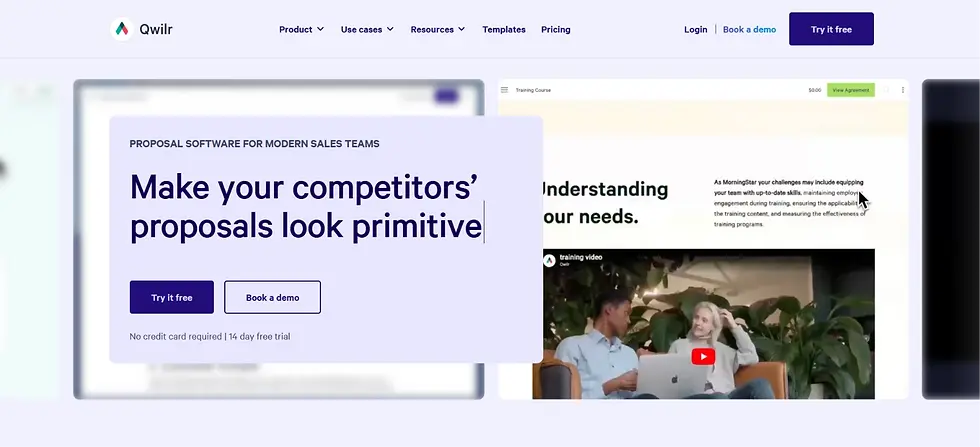
Qwilr is best for agencies and consultancies that want proposals and quotes to look and function like interactive web pages rather than static PDFs.
Instead of a traditional document format, Qwilr proposals render as responsive web pages that can include embedded videos, interactive pricing tables, and real-time quote calculators. That format tends to perform better for prospects viewing proposals on mobile devices, an area where PandaDoc's more document-centric layouts can feel clunky.
At around $35 per user per month, Qwilr is priced for teams that will lean on its design capabilities heavily. Businesses that just need a document signed quickly, without the interactive layer, will find it more tool than they need.
10. GetAccept
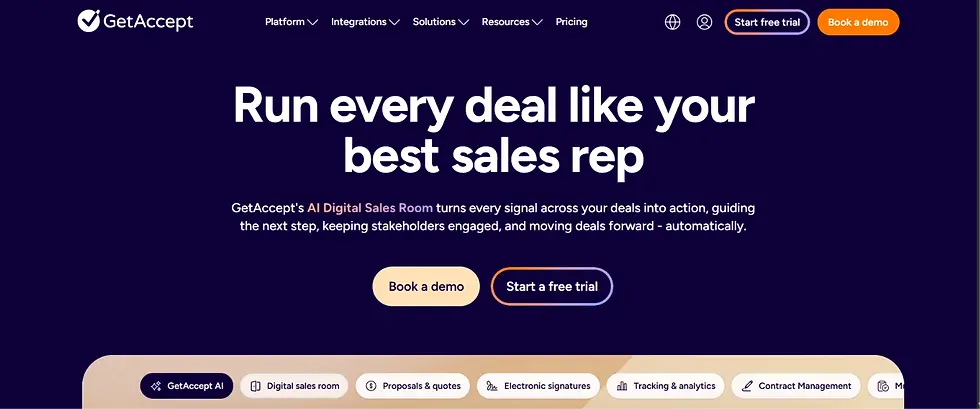
GetAccept is best for revenue teams that want sales enablement, deal rooms, and eSignature combined into a single workflow.
Its differentiator from PandaDoc is the addition of video messaging and mutual action plans directly inside the document workflow, letting sales reps record a personal video alongside a proposal and track a buyer's progress through a shared deal room. That level of engagement tooling goes beyond what PandaDoc offers natively.
GetAccept's pricing is custom and generally positioned for mid-market and enterprise sales organizations, which makes it a heavier investment than tools focused purely on signing. Teams without a dedicated sales enablement need will likely find the extra functionality goes unused.
How to Choose the Right PandaDoc Alternative for Your Business
The fastest way to narrow this list is to start with what you actually do most often.
If your primary need is getting contracts, NDAs, or offer letters signed quickly and affordably, prioritize tools built around simple, unlimited signing, such as Falkon Sign, SignNow, or Dropbox Sign. If your business already runs on a specific ecosystem, such as Zoho or Adobe, native integration will usually save more time and money than any standalone feature comparison, making Zoho Sign or Adobe Acrobat Sign the more efficient choice. If your team's real bottleneck is proposal design, engagement tracking, or sales enablement rather than signing itself, Proposify, Qwilr, or GetAccept are built specifically for that workflow. And if integration breadth and enterprise compliance credentials are non-negotiable, DocuSign remains a strong benchmark to evaluate against.
Whichever direction fits, it helps to test with your actual documents rather than a demo template, since real contracts often surface formatting or workflow issues that a sample document will not.
Frequently Asked Questions
What is the best overall alternative to PandaDoc?
For most small and mid-sized businesses that primarily need reliable, unlimited eSignatures without paying for proposal or CPQ tools they will not use, Falkon Sign is the strongest overall alternative due to its flat $10 per user monthly rate and unlimited document allowance.
What is the cheapest PandaDoc alternative?
BoldSign and SignNow are among the least expensive options, with BoldSign offering a functional free plan and paid tiers starting around $5 per user per month, and SignNow starting around $8 per user per month.
Is there a free alternative to PandaDoc?
Several tools on this list offer free plans with real usage limits, including BoldSign and Zoho Sign for individual users. Falkon Sign offers a 7-day free trial with full feature access rather than an ongoing free tier.
Why do businesses switch away from PandaDoc?
The most common reasons are per-seat pricing that scales quickly with team size, key features such as CRM integrations and custom branding being locked behind higher-priced tiers, and the platform's overall complexity for teams that only need basic document signing.
Which PandaDoc alternative is best for proposals specifically?
Proposify and Qwilr are both built specifically around proposal creation and tracking, with Proposify focused on engagement analytics and Qwilr focused on interactive, web-page style proposal formats.
Which PandaDoc alternative is best for enterprise compliance needs?
DocuSign is generally considered the strongest choice for large organizations that need extensive third-party integrations alongside globally recognized compliance credentials.
Are eSignatures from PandaDoc alternatives legally binding?
Yes, as long as the platform complies with the ESIGN Act and UETA in the United States, or eIDAS in the European Union. Every tool listed in this guide meets those baseline legal requirements. You can read more in this guide to whether eSignatures are legally valid for business contracts.
Can I switch from PandaDoc without losing my existing templates?
Most alternatives, including Falkon Sign, support manual template recreation, and several offer migration assistance or import tools for common template formats. It is worth confirming migration support directly with a vendor before committing to a switch, especially if you have a large existing template library.
Final Thoughts
PandaDoc is not a bad platform, but it is built for a specific kind of team, and that scope is exactly what pushes other businesses to look elsewhere. Whether the deciding factor is price, simplicity, ecosystem fit, or proposal-specific tooling, the ten alternatives above cover the range of reasons businesses search for something different in 2026.
If your priority is getting documents signed quickly, securely, and without a per-seat pricing surprise, Falkon Sign is worth starting with. If your needs lean more toward proposal design, CRM depth, or sales enablement, the other tools on this list each solve for a more specific version of that problem better than PandaDoc does.
Tired of Per-Seat Pricing Eating Into Your Budget
Falkon Sign offers unlimited eSignatures, unlimited documents, and unlimited recipients for one flat price per user, with enterprise-grade security and a 10-year document storage guarantee included from day one.


Comments